These tools live in Toolbox → Subtitle & Watermark.
Subtitle (burn)
Burn an .srt / .ass / .vtt subtitle file permanently into the picture. The subtitles become part of the video — they show on every player, every platform.
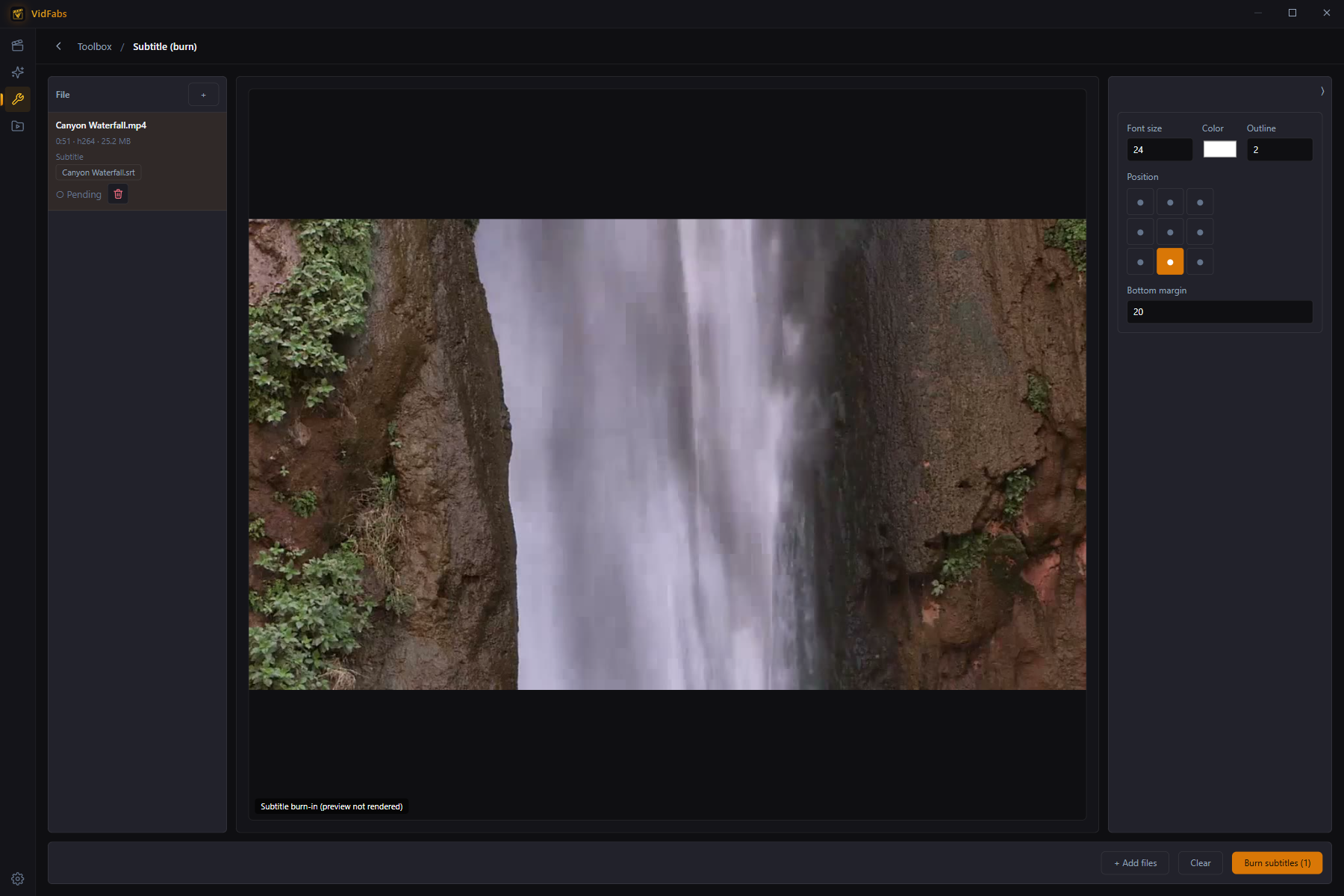
- Pair each video with its subtitle file (sidecar files with the same name are a natural fit).
- Style the render: font size, color, outline, position, bottom margin.
- Full CJK support — Chinese, Japanese and Korean render correctly out of the box.
.assfiles keep their own embedded styling by design.
Use when uploading to platforms that strip subtitle tracks, or when you need guaranteed-visible captions.
Subtitle (embed)
Mux the subtitle in as a selectable track with zero re-encode — video and audio streams are copied untouched, so a 2 GB file finishes in seconds and loses nothing.
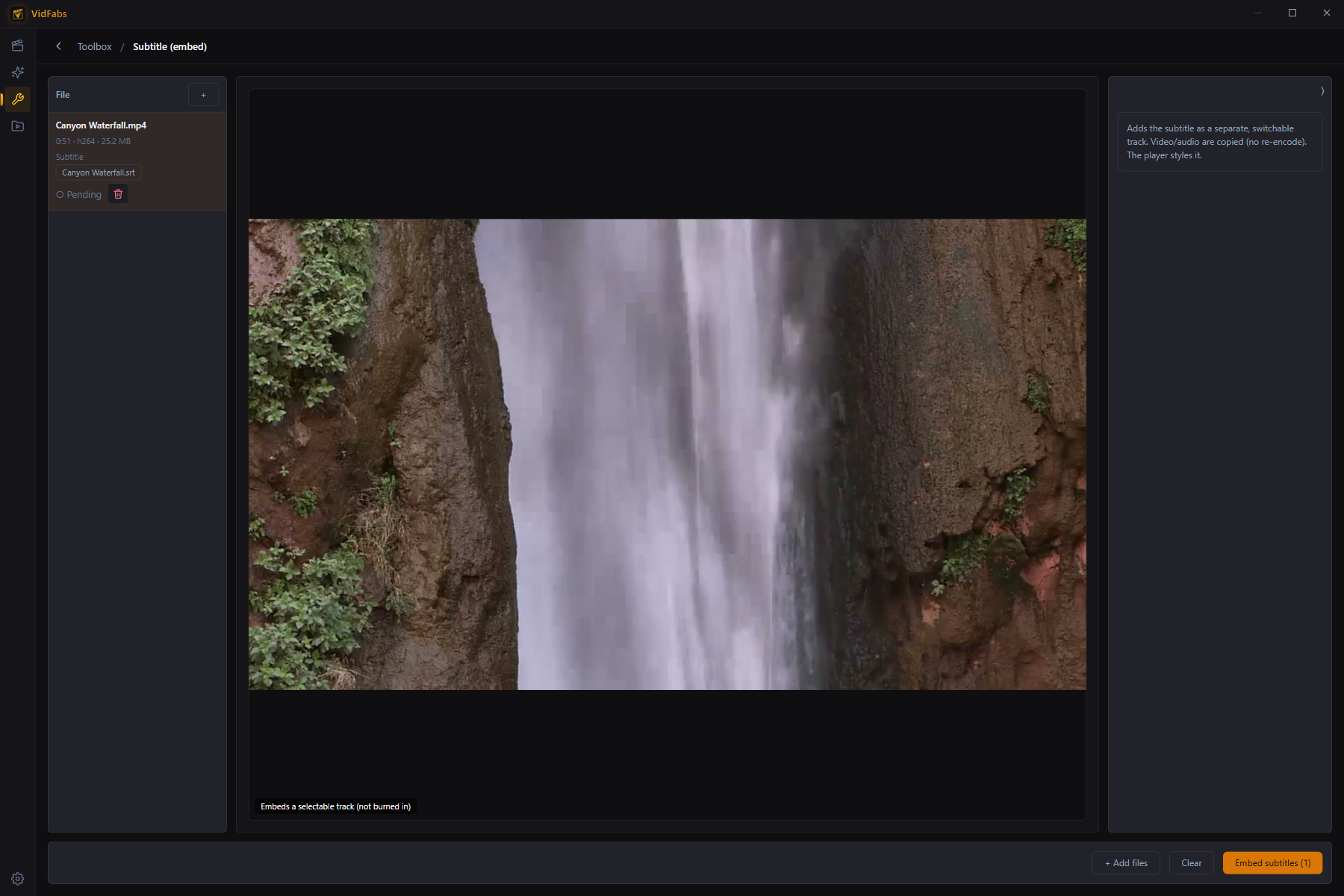
- Viewers toggle the track on/off in their player; the player styles the text.
- Container rules are enforced up front (e.g. which containers support soft
subtitles, when
.assstyling would be dropped) instead of failing mid-run.
Use for archives, multi-language releases, or whenever the viewer should choose.
Text watermark
Overlay any text on the video — a channel name, a copyright line, an URL.
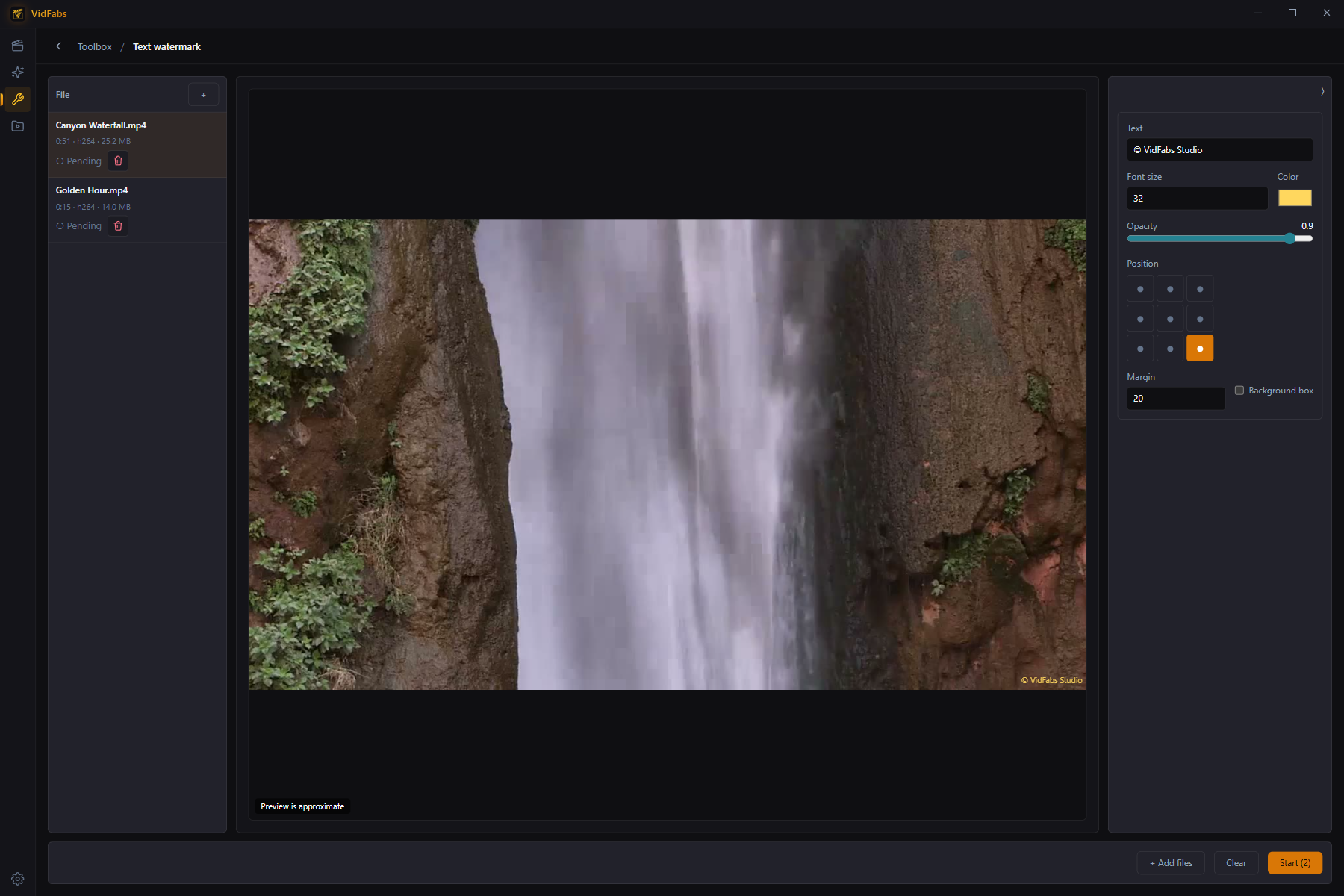
Controls: text, font size, color, opacity, position (9-grid), margin, and an optional background box for readability. Unicode/CJK text works out of the box.
Logo watermark
Overlay an image — typically a transparent PNG logo.
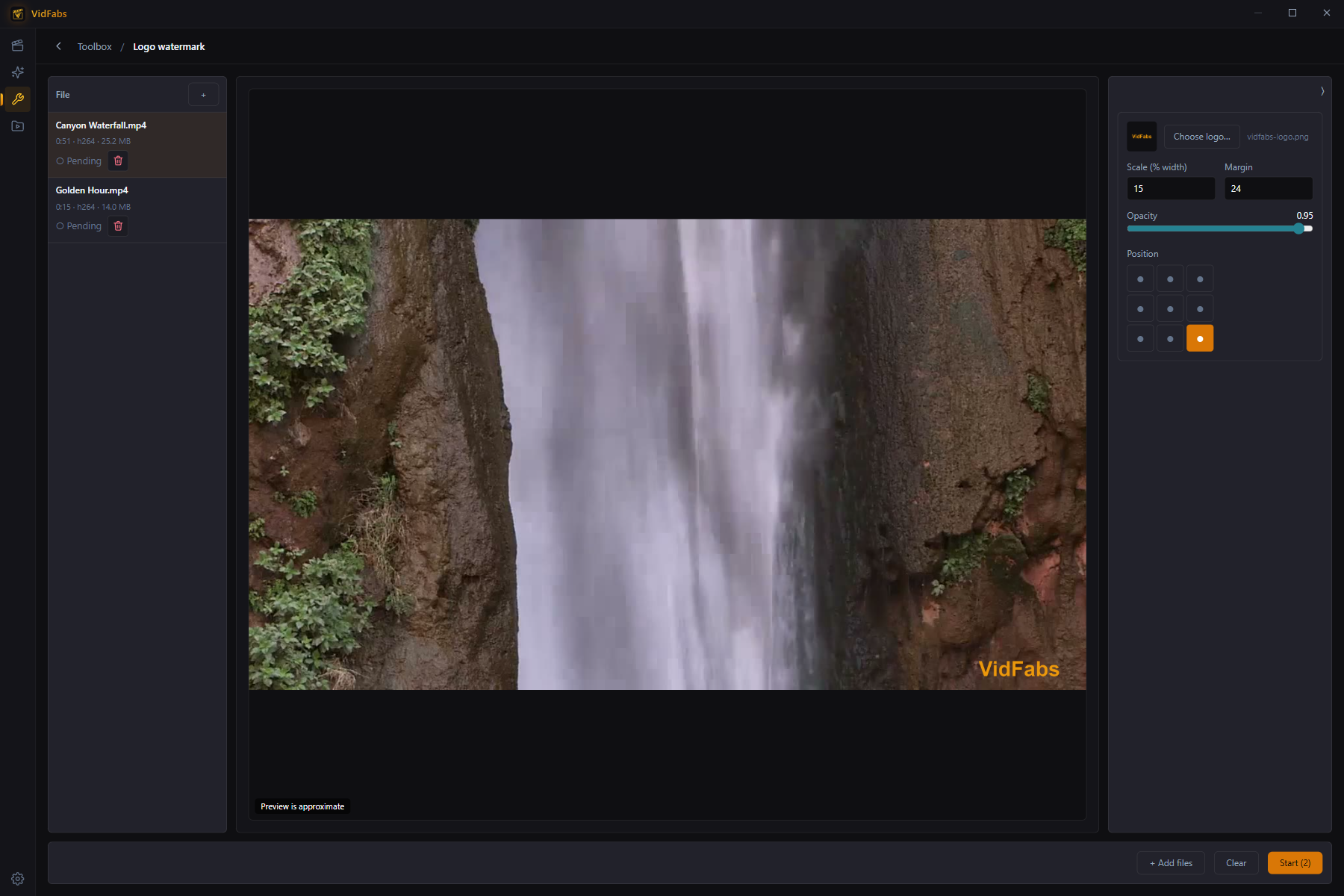
Controls: scale (as % of video width, so it looks consistent across resolutions), opacity, position, margin. PNG transparency is respected; the tool warns that JPG has no alpha channel before you commit.
Notes
- All four tools batch up to 20 files with per-file status and ETA.
- Text/logo watermarking and subtitle burning are also available inside the Editor as stackable effects for single-file, single-export workflows.