The four tools in Toolbox → Adjust share the same pattern: add up to 20 files, select one to preview, tune the controls, then apply the same adjustment to the whole batch.
Crop
Cut the edges of the frame to change the picture area.
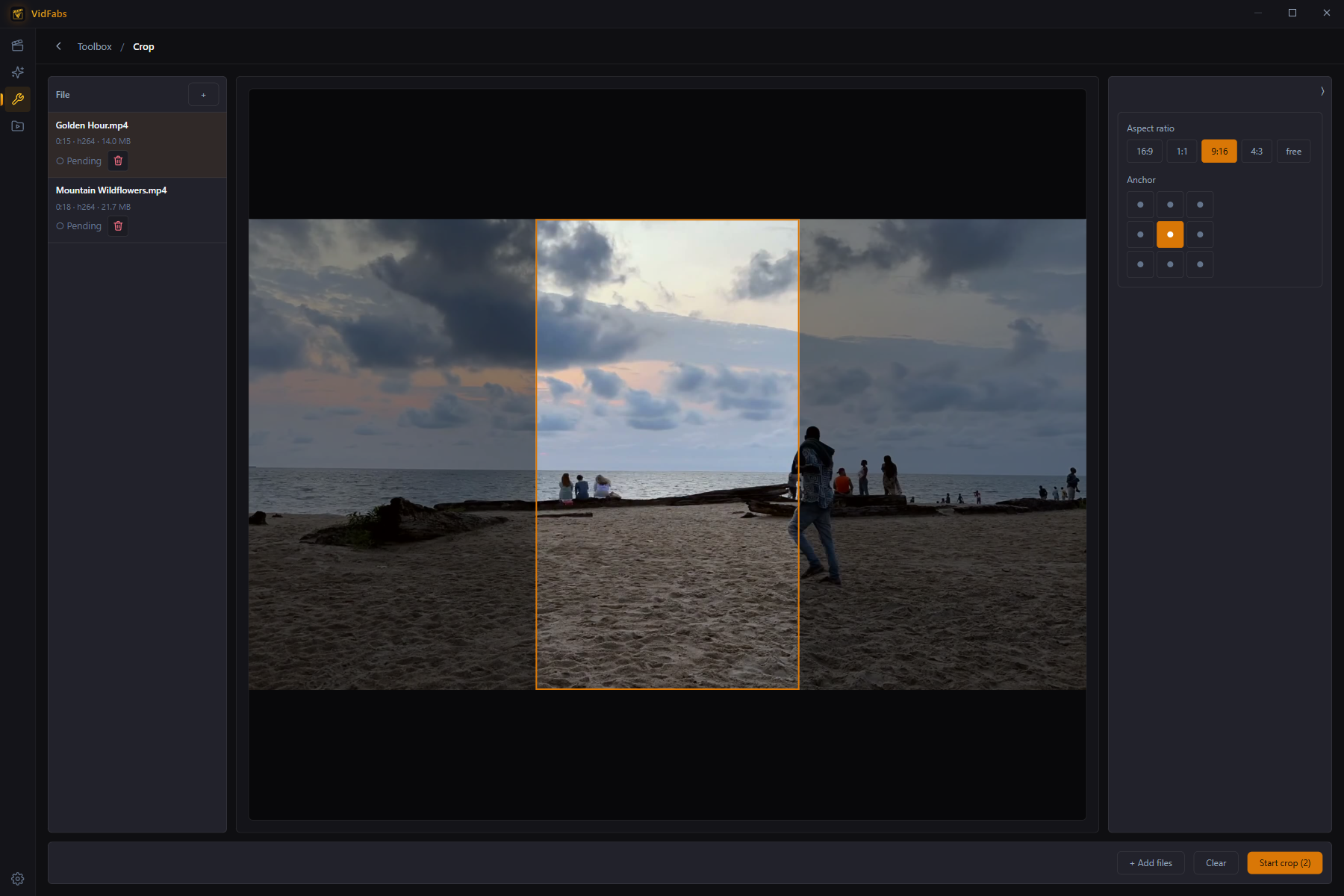
- Aspect ratio presets (16:9, 9:16, 1:1, 4:3 …) or free width/height percentages.
- Anchor the crop with a 9-grid position picker (center, corners, edges).
- The preview shows the exact crop rectangle on your footage before you commit.
Typical uses: landscape → vertical for Shorts/Reels, removing letterbox bars, cutting a screen recording down to one window.
Flip / Rotate
Mirror horizontally or vertically and rotate in 90° steps — combinable.
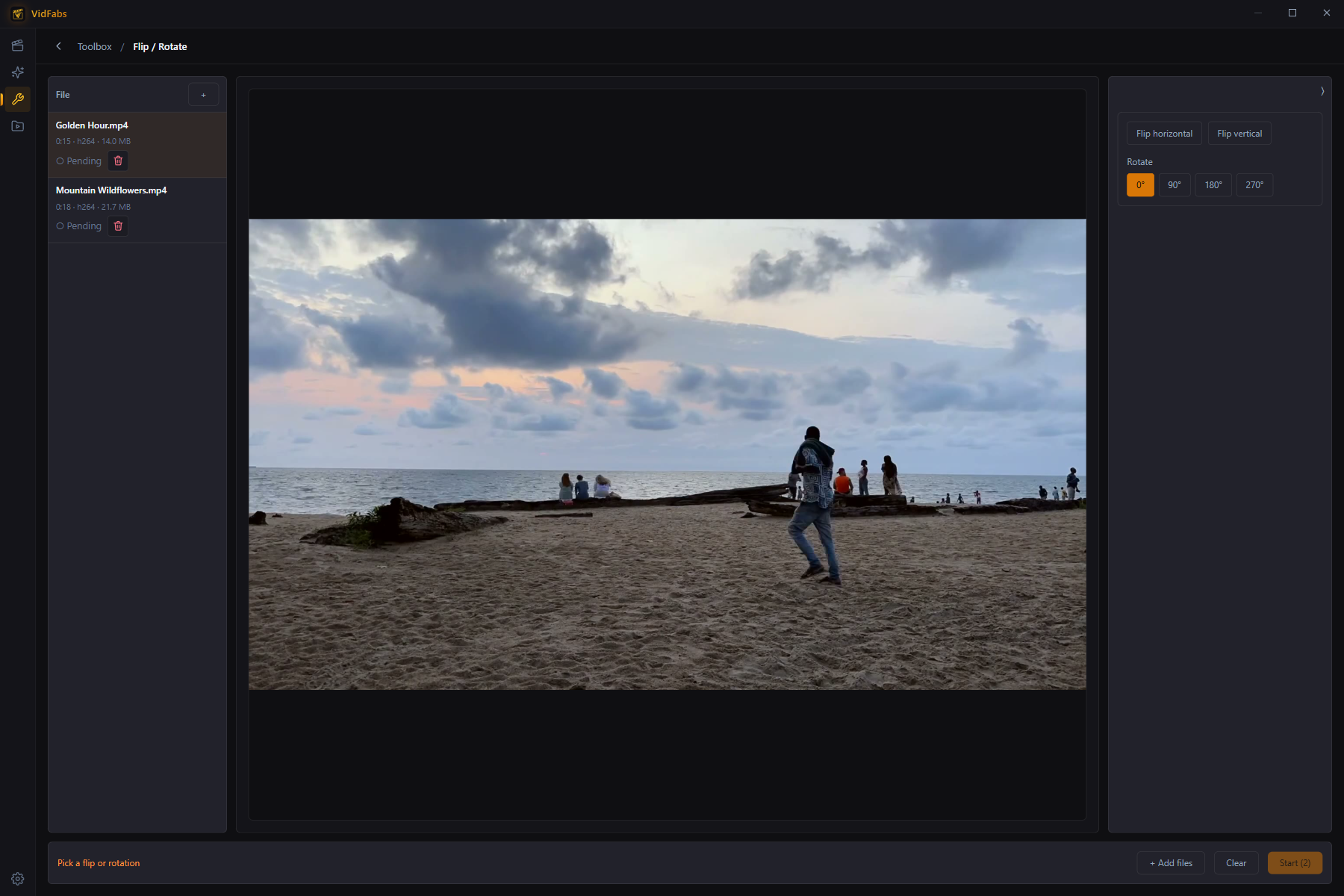
Typical uses: fixing phone footage that imported sideways, mirroring selfie video, flipping back footage recorded through a mirror.
Color adjust
Four sliders — Brightness, Contrast, Saturation, Gamma — with an instant approximate preview and one-click reset.
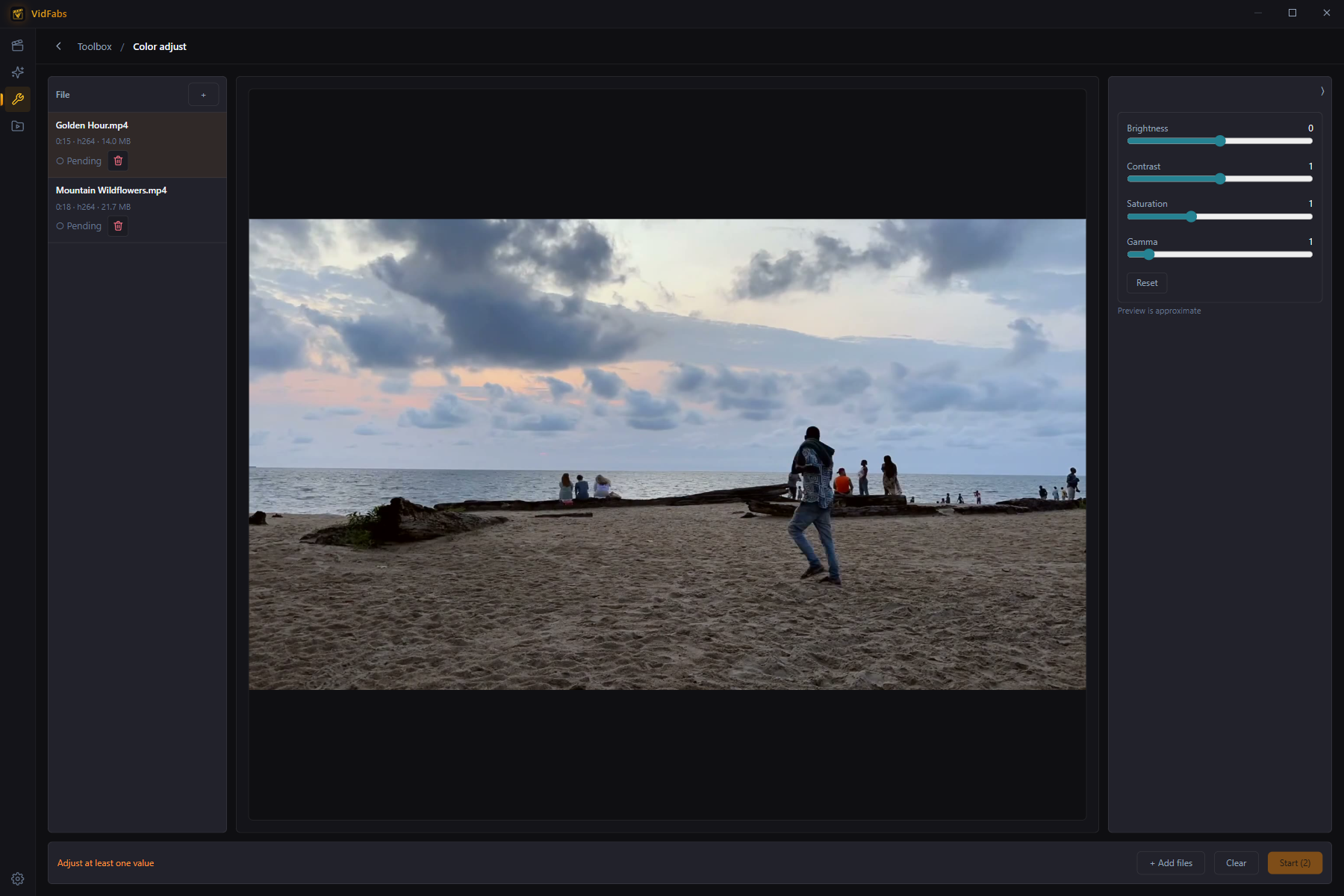
Typical uses: brightening dark recordings, adding punch to flat footage, quickly matching clips shot in different lighting before merging them.
Speed
Change playback speed from 0.25× to 4×. Video and audio stay in sync and the audio is pitch-corrected, so voices don’t turn into chipmunks. The tool shows the predicted output duration as you drag.
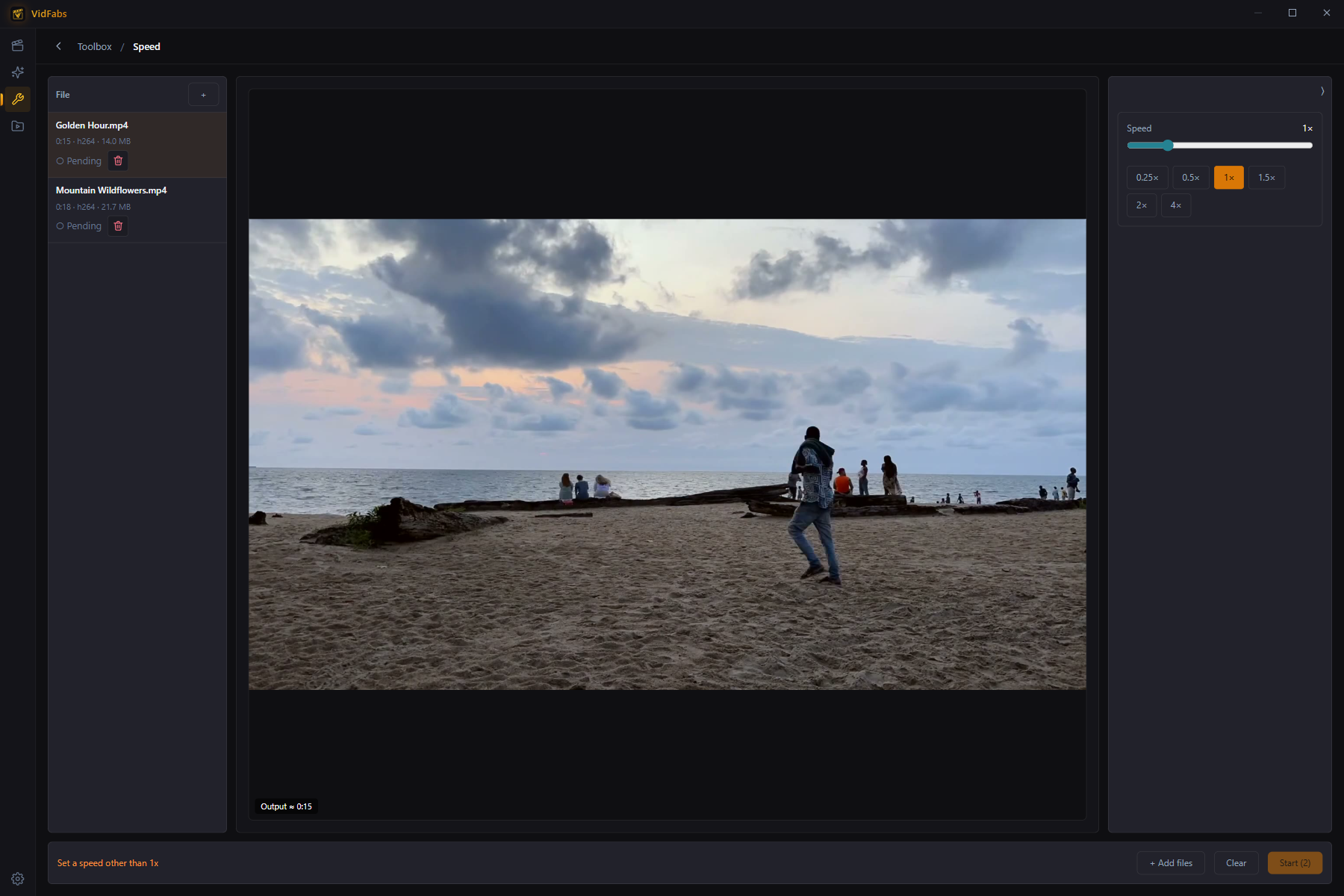
Typical uses: 2× lecture recordings, slow-motion replays, timelapse from long static shots.
Notes
- Every tool shows a per-file status, live ETA, and lets you cancel the batch.
- These four adjustments are also available inside the Editor as stackable effects when you want to combine them with subtitles or watermarks in a single export.