These three tools live in Toolbox → Edit and share the same batch workflow: drop files, set parameters per file, start, watch live progress with ETA.
Video trimmer
Cut a start/end range out of each video by timecode.
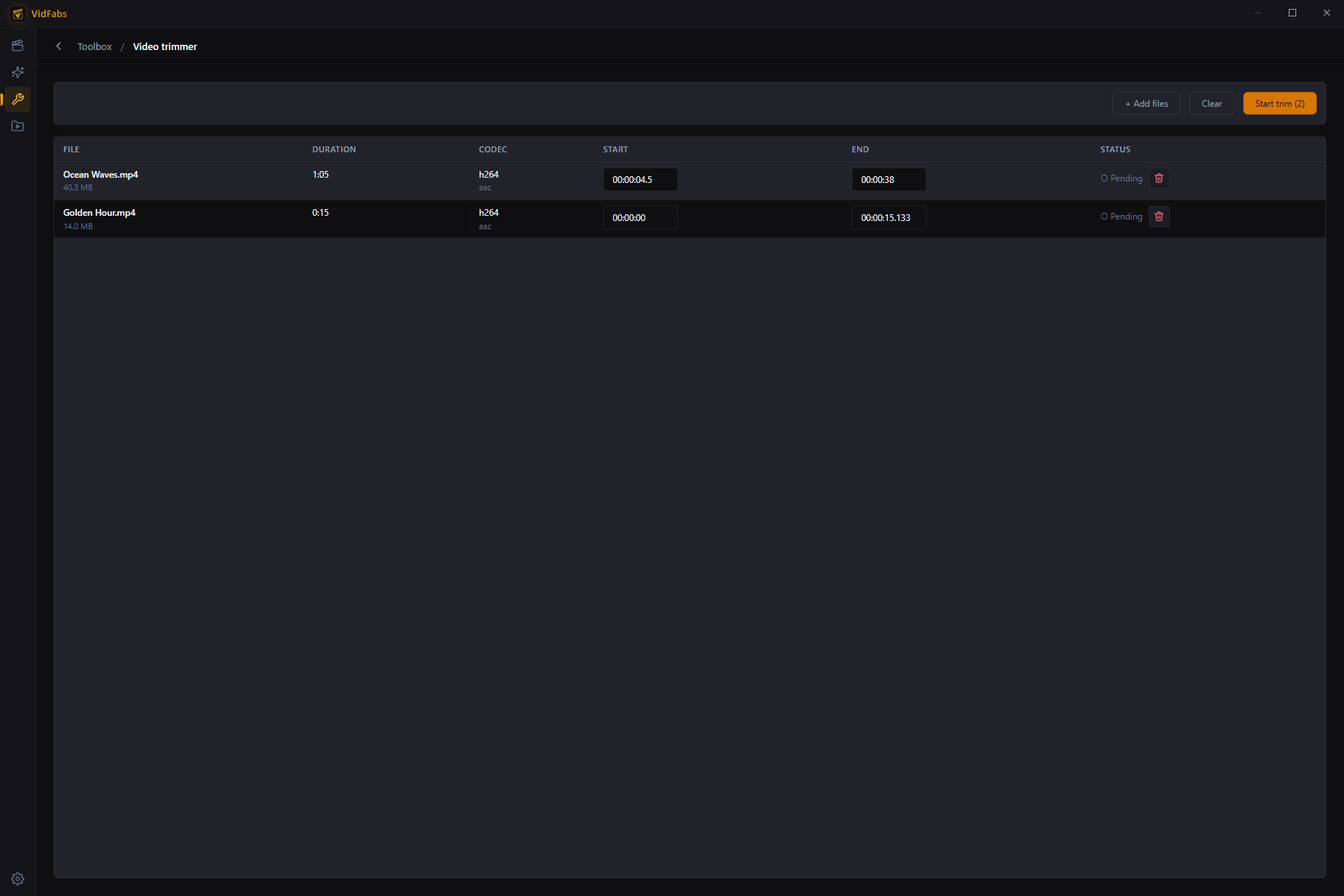
- Add up to 20 videos.
- Set Start and End per file (defaults cover the whole video).
- Start trim. Output is re-encoded for frame-accurate cuts — the clip begins exactly where you set it, with no frozen or black frames at the start.
Typical uses: removing stream intros, cutting ads out of recordings, extracting one segment from a long file.
Video merger
Concatenate multiple clips into a single video.
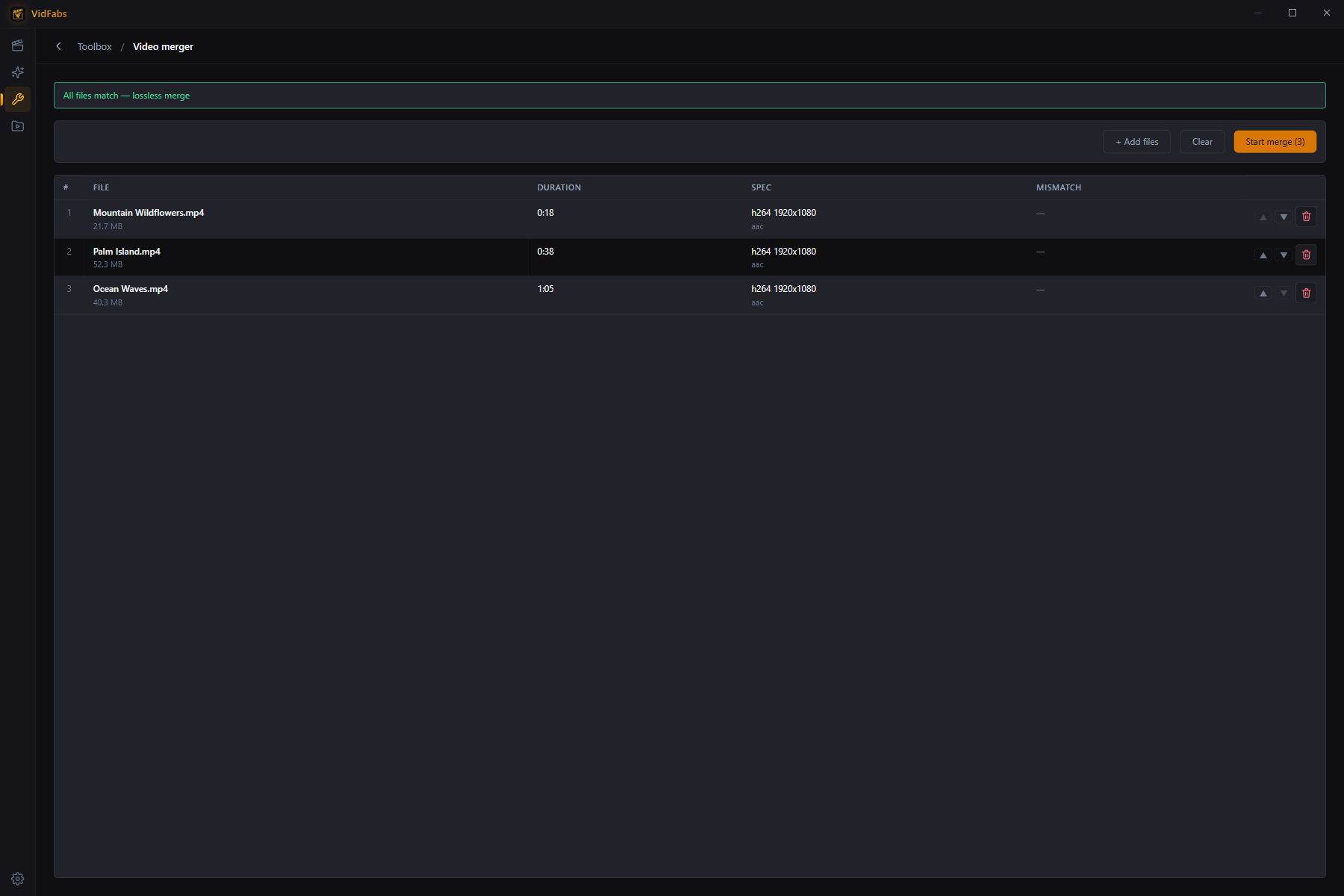
- Add two or more files and arrange their order.
- VidFabs probes every file and runs a compatibility check against the first, flagging codec/resolution/sample-rate mismatches before you start.
- Start merge. All inputs are decoded and re-encoded into one clean, uniform output — even mixed sources join reliably, with no audio desync or duration glitches at the seams.
Typical uses: joining GoPro/dashcam segments, stitching a multi-part download, combining intro + main + outro.
Audio extractor
Pull the audio track out of videos as MP3 / M4A / OGG / FLAC — or Auto, which copies the original audio stream losslessly into the right container.
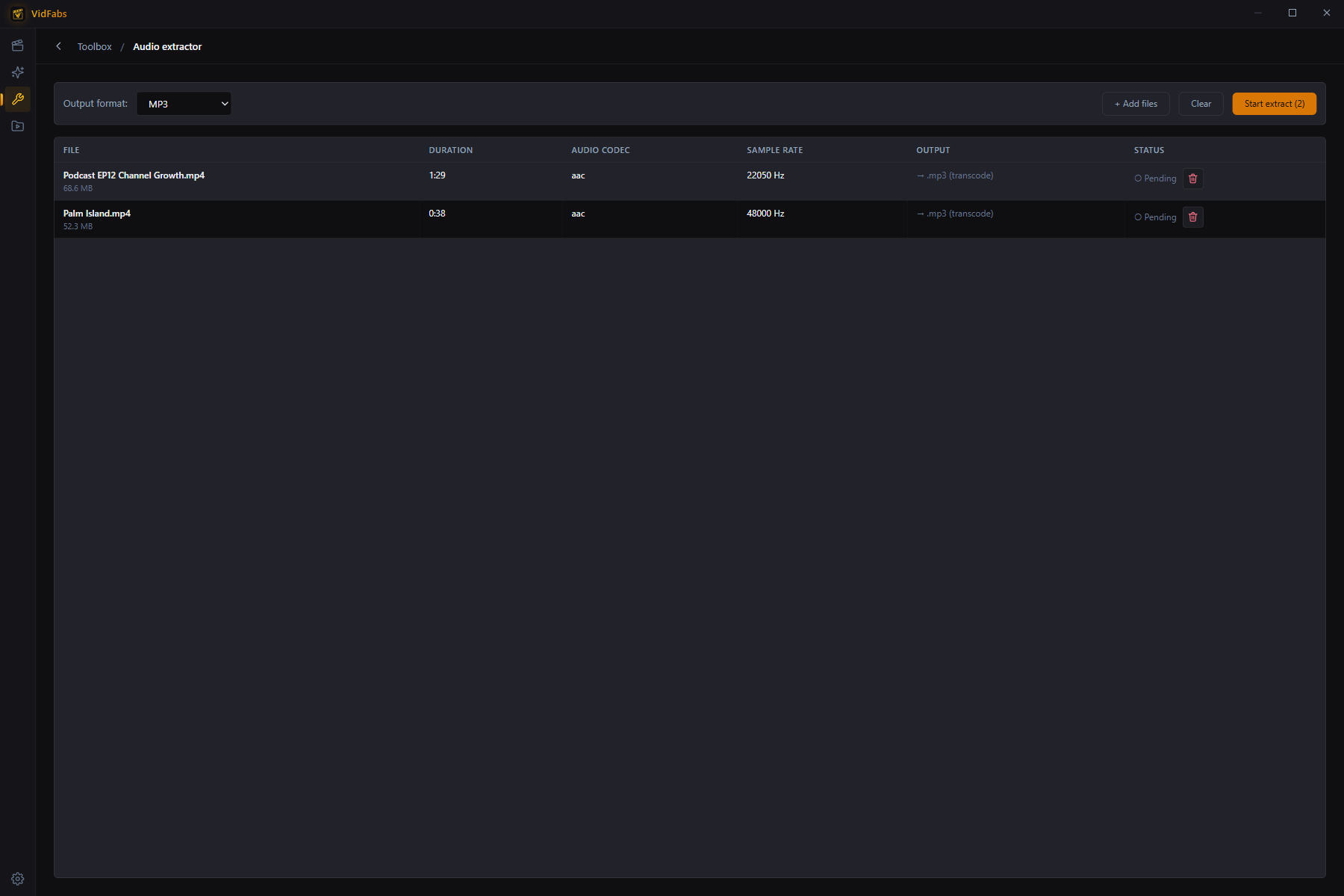
- Add videos; each row shows its audio codec and sample rate.
- Choose the output format. Auto = bit-perfect copy, fastest.
- Start extract. Videos without an audio track are marked “skipped” rather than failing the batch.
Typical uses: podcast episodes from video recordings, music from concert footage, voice tracks for transcription.